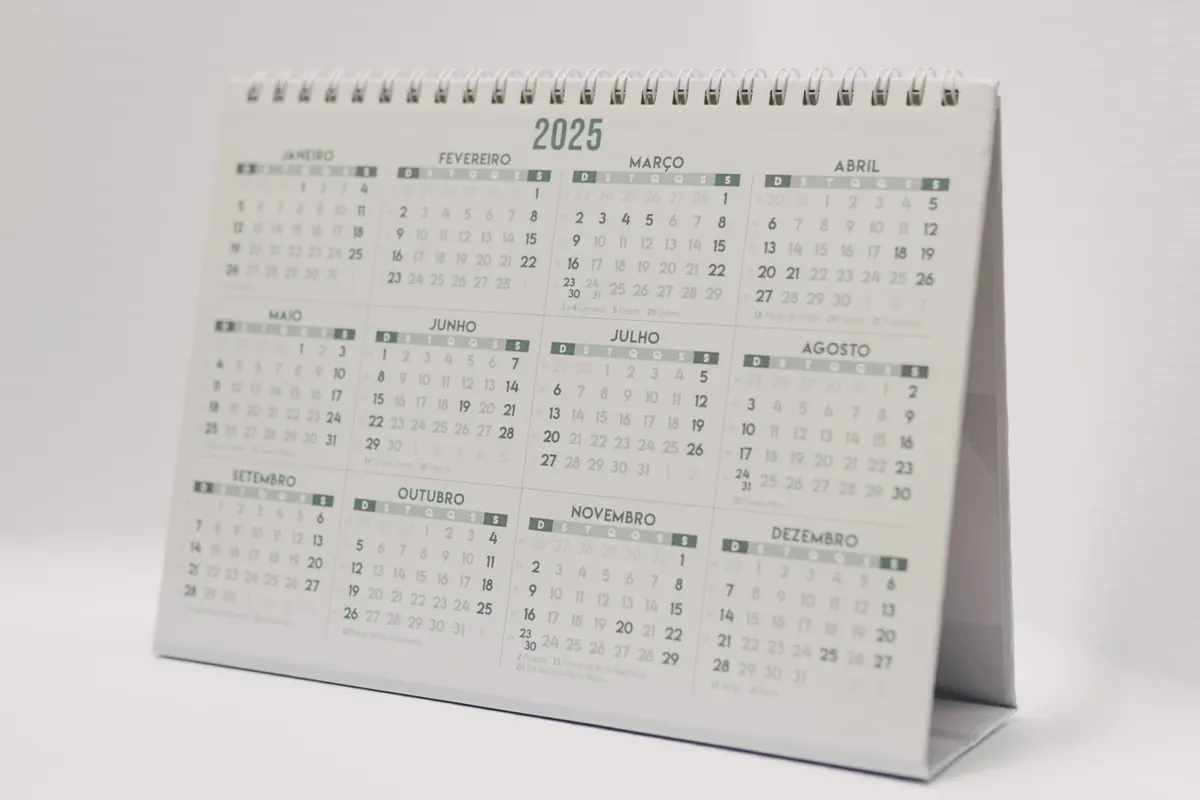
Every January, searches for beginner running plans climb. Every October, people hunt for costume ideas they can assemble in a weekend. Every November, thousands of people type "how long do I cook a turkey" for the very first time. YouTube search has a heartbeat, and it beats along with the calendar.
Channels that plan around that rhythm get a head start on discovery. Channels that ignore it publish genuinely good videos into an empty room. The encouraging part is that seasonal planning is mostly logistics, not guesswork. You don't need to predict what people will want. You need to know when they'll want it, and be ready slightly before they start looking.
Why Timing Changes What Gets Found
Search demand is not flat. A pumpkin-carving tutorial published in July has almost no audience. The same video published in the first week of October has a real one. The content didn't improve; the demand arrived.
Early engagement matters here. When a video earns clicks and watch time in its first days, YouTube has more reason to keep showing it to similar viewers. If you post after the spike has already crested, you're asking the platform to promote a video about a moment that has passed. Getting in a week or two ahead of the peak puts your video in the pool when people start searching, not when they've stopped.
Map Your Year on Three Calendars
Most creators plan with one calendar: the obvious holiday one. That's only a third of the picture.
The public calendar
New Year, Valentine's Day, spring break, tax season, Easter, summer holidays, back-to-school, Halloween, Thanksgiving, Black Friday, Christmas, and the quieter week between Christmas and New Year's. Add the events your niche cares about: a trade show, a sports season opener, a product launch cycle, a festival.
The platform calendar
Viewing habits shift with the school year. January brings resolution-driven searches. Late summer tends to run slower for many educational channels. December is crowded and competitive, but it's also when people have time on their hands. Knowing your own channel's slow and busy months lets you schedule ambitious videos when you'll actually get attention for them.
Your niche calendar
This is where the real advantage lives. A baking channel has its own seasons beyond the holidays. A woodworking channel has a spring project season and a winter indoor season. A personal finance channel has a January spike and a spring tax spike. Look at your own analytics from last year, note the months your older videos suddenly picked up views, and treat those as appointments.
Work Backwards From the Spike
Once you know the date people will be searching, plan backwards from it rather than forwards from today.
- Mark the peak. Be specific: "the week before Halloween," not "October."
- Set your upload date three to four weeks before the peak. That gives the video time to collect early signals and start ranking while interest is building.
- Block production time two to three weeks before that. Scripting, filming and editing always take longer than the calendar in your head allows.
- Add a follow-up for just after the peak. A shorter video, a recap, or a related angle can catch people who arrive late and give the first video a second wind through suggested placement.
- Set a reminder five weeks out. A single calendar alert is the difference between a planned seasonal upload and a scramble on the last weekend of October.
Treat these gaps as a rough guide, not a law. A news-driven topic may need to go out within a day. A slow-burn evergreen topic can go out months early with no harm at all.
Match the Format to the Moment
Seasonal demand comes in different shapes, and each shape wants a different kind of video.
- Timely explainers answer a specific question people only ask once a year: how to thaw a turkey, how to pack for a cold-weather trip, what to say in a year-end review. These are the most search-driven and the easiest to plan.
- Evergreen videos with a seasonal hook are your normal content with a timely title and thumbnail. A general budgeting tutorial becomes a "reset your budget before January" video with a new open and a fresh thumbnail.
- Reactive recaps cover events as they happen and need a fast turnaround, often within a day or two. If you can't produce quickly, skip these — a late recap rarely earns much.
- Roundups and lists work well for gift guides, seasonal recipes, and "best of the year" formats. They're also the easiest to update annually.
Build a Seasonal Content Bank So You Aren't Starting Cold
The reason seasonal planning fails for most channels is that it arrives as a surprise. October shows up, and you're designing a thumbnail from scratch while the wave is already moving.
Fix that with a simple running note. Whenever you notice a seasonal question in your comments — "will you do a holiday version of this?" — write it down with the month it belongs to. Over a year, that note becomes your editorial calendar.
Then reuse what you already own. A video that performed well last November can be refreshed with a new intro, an updated thumbnail, a sharper title and a better description, then republished as part of a playlist. Don't delete the old one; update it and let its existing history work for you. Only reshoot when the information has genuinely changed.
Mistakes That Waste the Effort
Chasing every event. You don't need twelve seasonal campaigns. Four to six that genuinely fit your channel will outperform a scattershot attempt at all of them.
Publishing on the day. The day itself is the peak, not the start. If your video goes live on the morning of the holiday, most of the search ramp has already happened.
Making seasonal content disposable. A thin five-minute video that exists only to say "happy holidays" won't rank next year and won't hold attention this year. Give it the same substance as anything else you publish.
Ignoring region. A bank holiday in one country is an ordinary Monday in another. If your audience is global, say which country or region you mean in the title and description so the right viewers find it.
A Simple Routine You Can Start This Week
Set aside ninety minutes once a quarter. List the dates coming up in your niche. Pick two that fit your channel. Check how your videos from the same period last year performed, and mark the ones worth refreshing. Block the production days in your calendar. Set a reminder five weeks before each target upload date.
Then, after the season passes, spend ten minutes writing down what worked: which title, which thumbnail, which angle. Next year, that note becomes your plan, and you'll be publishing into a crowd that's already looking for you.
Photo: Matheus Bertelli / Pexels